
Understanding Google Login: Privacy Implications and Safer Alternatives
- Cyndi Rose

- May 31
- 3 min read
Using Google to log in to websites and applications has become a common convenience for millions of users worldwide. This single sign-on (SSO) method saves time, reduces password fatigue, and simplifies account management. Yet, beneath this ease lies a complex web of data sharing and privacy concerns that many users overlook. This post explores how Google login works, what data Google collects and shares, and what steps users can take to protect their privacy while still enjoying online convenience.

How Google Login Works
Google login uses OAuth 2.0, a secure authorization protocol that allows third-party apps and websites to access limited user information without sharing passwords. When you choose "Sign in with Google," the app requests permission to access your Google account data, such as your email address, profile picture, and sometimes more, depending on the app’s needs.
This process offers several benefits:
Convenience: No need to create and remember new passwords.
Speed: Faster account creation and login.
Security: Reduced risk of password reuse and phishing attacks.
However, this convenience comes with trade-offs. When you use Google login, you grant the app access to certain personal information stored in your Google account. The extent of this access depends on the permissions requested and accepted.
What Data Does Google Collect and Share?
Google collects data not only to authenticate users but also to improve its services and target advertising. When you log in to an app using Google, Google may collect:
Your basic profile information (name, email, profile picture).
Device information and IP address.
Usage data about how you interact with the app.
Location data, if enabled.
Google also shares some of this information with the third-party app or website you are logging into. This sharing is necessary for the app to create or link your account and personalize your experience.
Beyond this, Google aggregates data across services to build detailed user profiles. These profiles help Google serve personalized ads and improve its algorithms. While Google states it does not sell personal data to advertisers, the data is used extensively for ad targeting.
Privacy Concerns with Google Login
Using Google login can expose you to several privacy risks:
Data Overreach: Some apps request more permissions than necessary, gaining access to sensitive information.
Tracking Across Services: Google can track your activity across multiple apps and websites using the login data.
Data Breaches: If a third-party app suffers a breach, your linked Google account information could be exposed.
Loss of Control: Once you grant permissions, it can be difficult to revoke or monitor how your data is used.
For example, a fitness app might request access to your Google contacts or calendar, even if it’s not essential for its core function. This overreach can lead to unnecessary data exposure.
Safer Alternatives to Using Google Login
While Google login is convenient, there are safer ways to manage your online accounts and protect your privacy:
Use Unique Passwords with a Password Manager
Creating unique, strong passwords for each account is the best defense against hacking. Password managers like Bitwarden, LastPass, or 1Password can generate and store complex passwords securely, so you don’t have to remember them.
Use Other Single Sign-On Providers with Better Privacy
Some SSO providers focus more on privacy, such as Apple’s “Sign in with Apple,” which allows users to hide their email addresses from apps. Consider using these alternatives when available.
Limit Permissions and Review Connected Apps
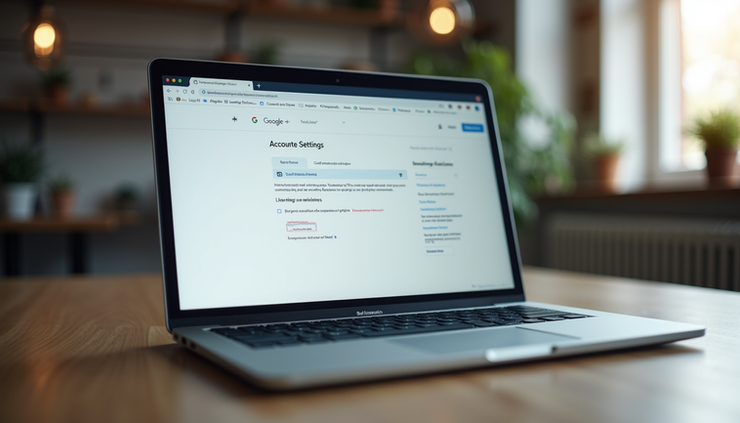
Regularly check which apps have access to your Google account by visiting your Google Account permissions page. Revoke access for apps you no longer use or trust.
Use Two-Factor Authentication (2FA)
Enable 2FA on your Google account and other services to add an extra layer of security. Even if someone obtains your password, they will need a second verification step to access your account.
Consider Using Email-Based Login or Anonymous Accounts
Some services allow login via email links or anonymous guest accounts. These options reduce data sharing and tracking.
Practical Steps to Protect Your Privacy Today
Before using Google login, read the permissions requested carefully. Decline any that seem unnecessary.
Regularly audit your Google account’s connected apps and remove unused ones.
Use a password manager to create unique passwords for apps that don’t support SSO.
Enable two-factor authentication on all important accounts.
Consider using privacy-focused browsers and extensions that block trackers.
Final Thoughts on Google Login and Privacy
Google login offers undeniable convenience but comes with privacy trade-offs that users should understand. Google collects and shares data to improve services and target ads, which means your online activity is often tracked across multiple platforms. By taking control of your permissions, using strong passwords, and exploring safer login alternatives, you can enjoy the benefits of online services without compromising your privacy.


Comments