
Essential Guide to VPN Use for Seniors on Public WiFi in 2026
- Cyndi Rose

- Mar 22
- 3 min read

Public WiFi networks are everywhere—in cafes, airports, hotels, and libraries. For many seniors, these networks offer convenient ways to stay connected with family, manage finances, or enjoy entertainment while on the go. Yet, public WiFi remains one of the riskiest places to access the internet. In 2026, cybercriminals continue to exploit these networks to steal personal information, putting seniors at particular risk. Using a VPN (Virtual Private Network) is one of the simplest and most effective ways to protect your data and privacy when connected to public WiFi.
This guide explains why seniors need a VPN, how it works, the best VPN options in 2026, and easy steps to set it up. By the end, you will feel confident using a VPN to keep your online activities safe wherever you go.
Why Public WiFi Is Risky for Seniors
Public WiFi networks often lack strong security measures. Unlike your home WiFi, these networks are open to anyone nearby, making it easy for hackers to intercept data. Common threats include:
Man-in-the-middle attacks: Hackers secretly intercept communications between your device and the internet.
Fake hotspots: Cybercriminals create WiFi networks with names similar to legitimate ones, tricking users into connecting.
Data snooping: Without encryption, your passwords, emails, and banking details can be captured by others on the same network.
Seniors are especially vulnerable because they may use public WiFi more frequently when traveling or visiting family. They might also be less aware of these risks or how to protect themselves.
How a VPN Protects Your Data
A VPN creates an encrypted tunnel between your device and the internet. This means:
Your data is scrambled and unreadable to anyone trying to intercept it.
Your real IP address is hidden, preventing websites and internet providers from tracking your location or browsing habits.
You can safely use public WiFi without worrying about hackers stealing sensitive information.
Using a VPN on public WiFi protects passwords, emails, banking details, and other personal information. It also helps prevent identity theft and fraud.
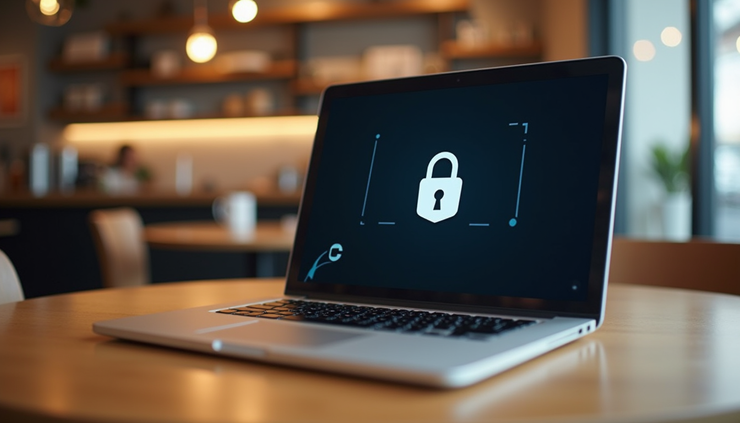
Using a VPN on public WiFi in a cafe keeps your data safe from hackers.
Best VPN Options for Seniors in 2026
Choosing the right VPN can feel overwhelming. Here are three top VPN services that balance ease of use, security, and affordability:
NordVPN
Known for fast and reliable connections, NordVPN offers strong encryption and a user-friendly app. It has a large network of servers worldwide, which helps maintain speed even during busy times.
Proton VPN
Proton VPN stands out for its excellent free tier and strong privacy policies. It does not log user activity and offers advanced security features, making it a great choice for seniors who want a trustworthy free option.
Surfshark
Surfshark is budget-friendly without sacrificing security. It allows unlimited device connections on one account, which is perfect for seniors who want to protect multiple devices like phones, tablets, and laptops.
Each of these VPNs offers simple apps that seniors can install and use without technical expertise.
How to Set Up and Use a VPN
Setting up a VPN is straightforward. Follow these steps to get started:
Download the VPN app from the official website or app store.
Create an account by signing up with your email and choosing a subscription plan if needed.
Open the app and log in.
Connect to a VPN server by selecting a location or using the quick-connect feature.
Enable auto-connect so the VPN turns on automatically when you join public WiFi.
Turn on the kill switch feature if available. This stops internet access if the VPN connection drops, preventing unprotected data leaks.
Once connected, your internet traffic is encrypted. Always connect to the VPN before browsing on public WiFi, even if the network looks trusted.
Tips for Staying Safe on Public WiFi
Using a VPN is a powerful step, but seniors should also follow these safety tips:
Avoid logging into sensitive accounts like online banking without a VPN.
Do not share personal information on public networks.
Keep your device’s software and antivirus programs updated.
Use strong, unique passwords and enable two-factor authentication where possible.
Educate family members about VPN use and public WiFi risks.
Report suspicious activity or scams to the Federal Trade Commission (FTC).
Encouraging a Simple Habit That Protects
For seniors, using a VPN on public WiFi should become a regular habit. It only takes a few seconds to connect, but it can prevent major losses from identity theft or fraud. Teaching this habit to family and friends helps create a safer online environment for everyone.


Comments